User Data Deletion
The "Delete Account" section in Real Fantasy Teams (RFT) user profiles enhances data control. RFT app aids account creation, allowing deletion requests. A 24-hour privacy-centric process permits request cancellation. Note that account deletion is final and data erasure is irreversible post-24 hours. RFT prioritizes data security, user experience, and privacy compliance, evident through our "Delete Account" feature.
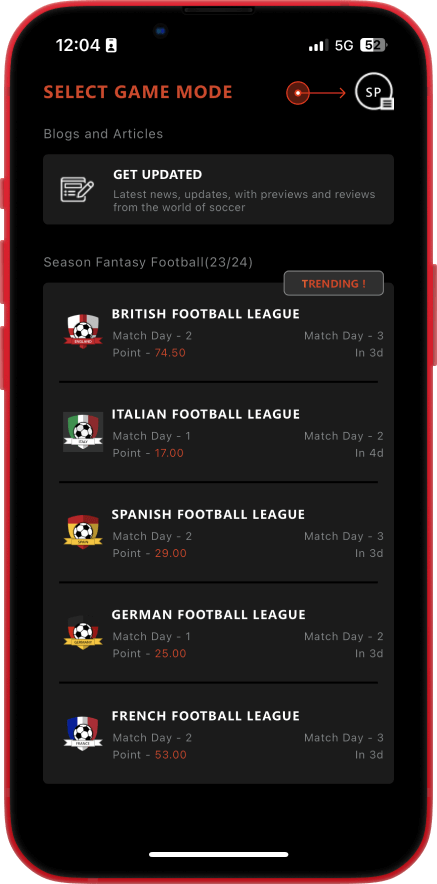
- Open your app and go to your profile options by clicking on the top-left avatar.
- Click on My Profile and scroll to the bottom of the page.
- You will see an option "DELETE ACCOUNT" at the bottom of the page. Click on it.
- A confirmation dialog will appear. Click on "Yes" or "No" as per your needs.
- You will see a message at the top of the page stating "Your account will be deleted in 24 hours". If you see this message, your delete request has been successfully raised.Please email us at support.ind@realfantasyteams.com if you want to cancel the account deletion process before the 7-day processing period.